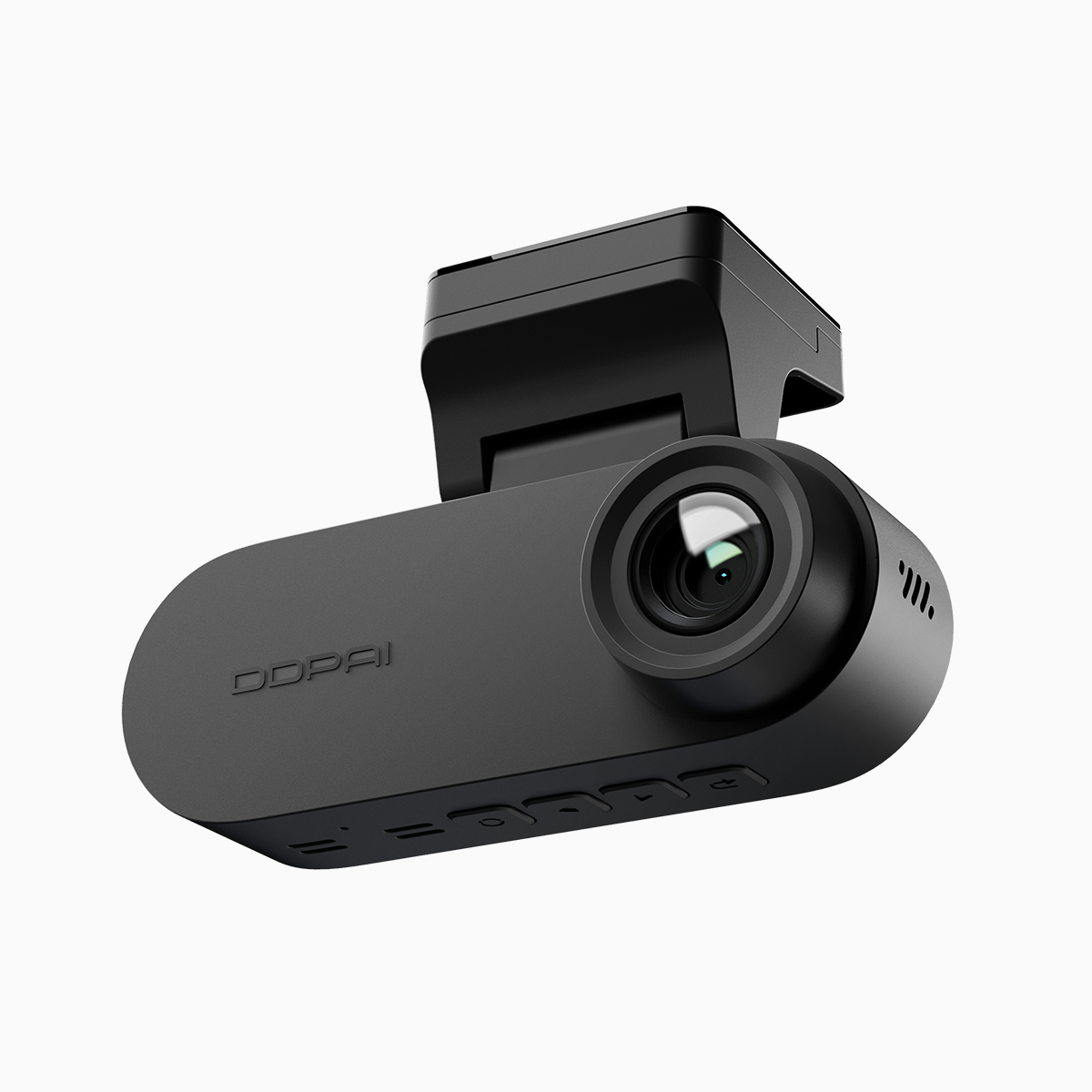
Quick comparison that matters
I went into this as a straightforward comparison: does a compact unit that shoots 4K UHD still give you fast, reliable app access over 5GHz Wi‑Fi? The short answer: mostly yes, but the trade-offs are practical. My hands-on involved daily drives, highway runs, and busy stop-and-go traffic while testing a front and rear dash cam setup. You’ll get crisp daytime footage and usable night captures, but app responsiveness and file handling are the real make-or-break factors for everyday use.
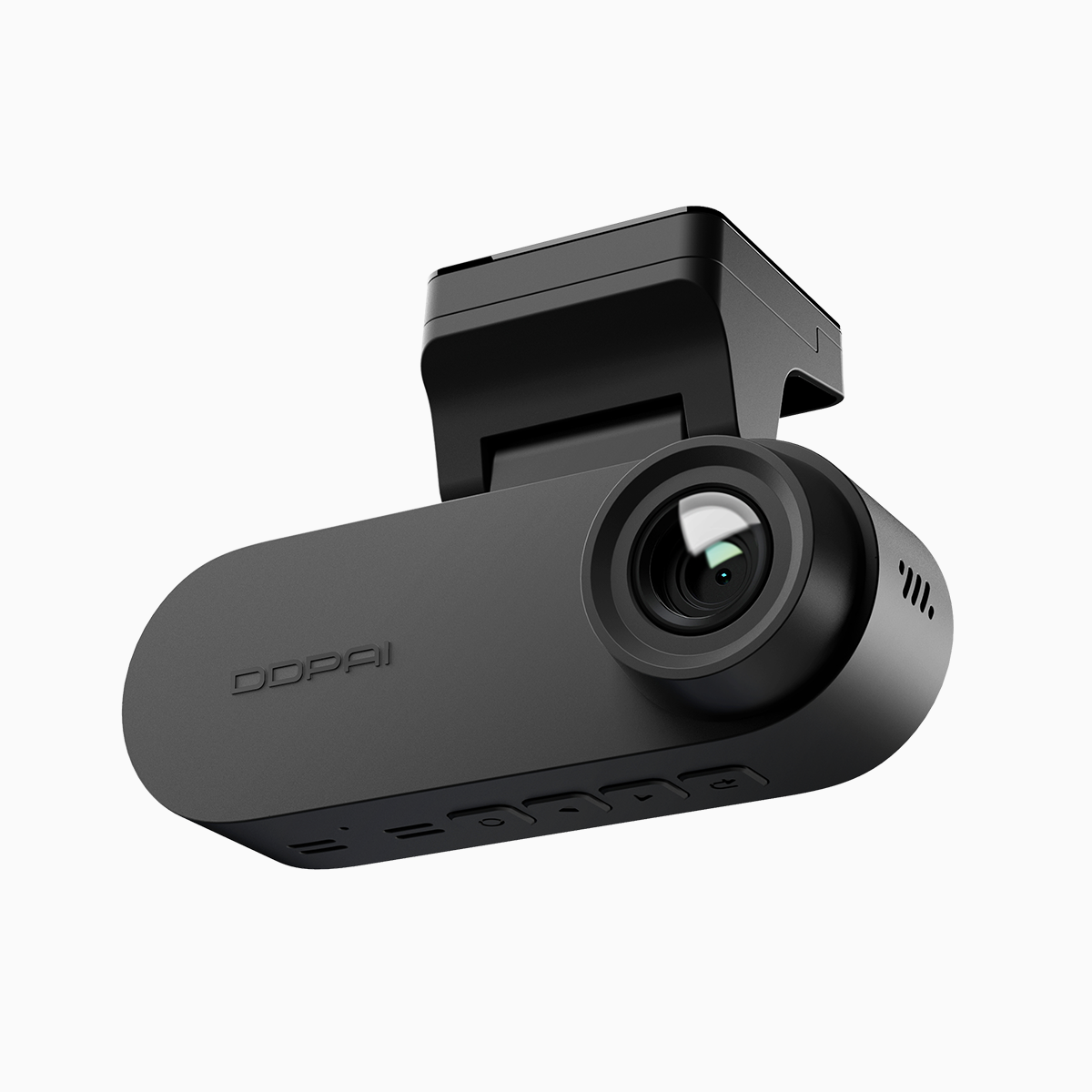
Image quality vs app experience: what to prioritize
Image specs matter—4K UHD, HDR processing, and a healthy bitrate translate to readable license plates and cleaner low-light footage. But those same specs bloat file sizes and stress transfer speeds when you want to preview clips on your phone. On the connectivity side, a steady 5GHz connection reduces transfer latency and makes live view smoother. If you’re after immediate access during an incident, balance matters: a true dual recording dash cam that manages heat and bitrate efficiently will feel faster than a raw spec sheet suggests.
Real-world testing: Manila traffic and measurable outcomes
Testing in Metro Manila—including several runs on EDSA—gave useful, practical feedback. Global road safety data (WHO reports ~1.3 million annual road traffic deaths) reminds you why reliable footage can be critical; clarity isn’t a luxury. On urban drives, the DDPAI unit captured lane details and sign legibility. Over 5GHz Wi‑Fi, file transfers and live view were consistently quicker than 2.4GHz, cutting preview time from a minute-plus to seconds on my phone. The app sustained stable connections for multi-minute clips; battery drain and heat management stayed within acceptable bounds.
Trade-offs observed
There are compromises. High bitrate 4K files eat storage fast, and if you set the frame rate high for smoother motion, you’ll also multiply file sizes. The app’s thumbnail generation can lag when multiple large files upload simultaneously — a minor annoyance, but present. Firmware updates mattered: after one patch, the live-view latency improved noticeably. Small tweaks, big difference — like adjusting loop recording length and using a higher-capacity microSD card.
How it stacks up against alternatives
Compared to budget 1080p models, the DDPAI’s 4K clarity wins for evidence-grade footage. Compared to heavier, premium rigs, it wins on size and price but trades off a tiny bit on thermal headroom during extended highway recording. For most users, the balance is attractive: better resolution than cheap cams, less fiddly than full pro setups. The practical takeaway: choose based on use case. Daily urban commutes prioritize app speed and parking mode reliability; long highway runs ask for sustained bitrate and heat resilience.
Common mistakes drivers make
People often set everything to max without accounting for storage and heat. They also leave the camera on 2.4GHz Wi‑Fi out of habit, slowing transfers. Mounting angle mistakes are common, too—tilt the lens slightly too high and you lose plate detail. Finally, skipping firmware updates prevents you from getting stability and connectivity improvements. Fix those, and the experience improves dramatically—small actions, big returns.
Three golden rules for evaluating a dash cam (and why DDPAI PH is relevant)
1) Prioritize usable resolution: look for readable detail at distance rather than headline megapixels. 2) Check real app performance over 5GHz Wi‑Fi—fast previews beat marginally better footage that you can’t access when it matters. 3) Factor in storage and heat management: sustainable bitrate and loop recording options make a difference in long-term reliability. If you apply those metrics, the DDPAI units sit in a strong position for daily drivers. I noticed practical gains in app speed and footage clarity that align with what a pragmatic buyer needs, and that’s why I keep tracking offerings from DDPAI PH—they balance both sides of the equation well. –