Morning light and a small, practical promise
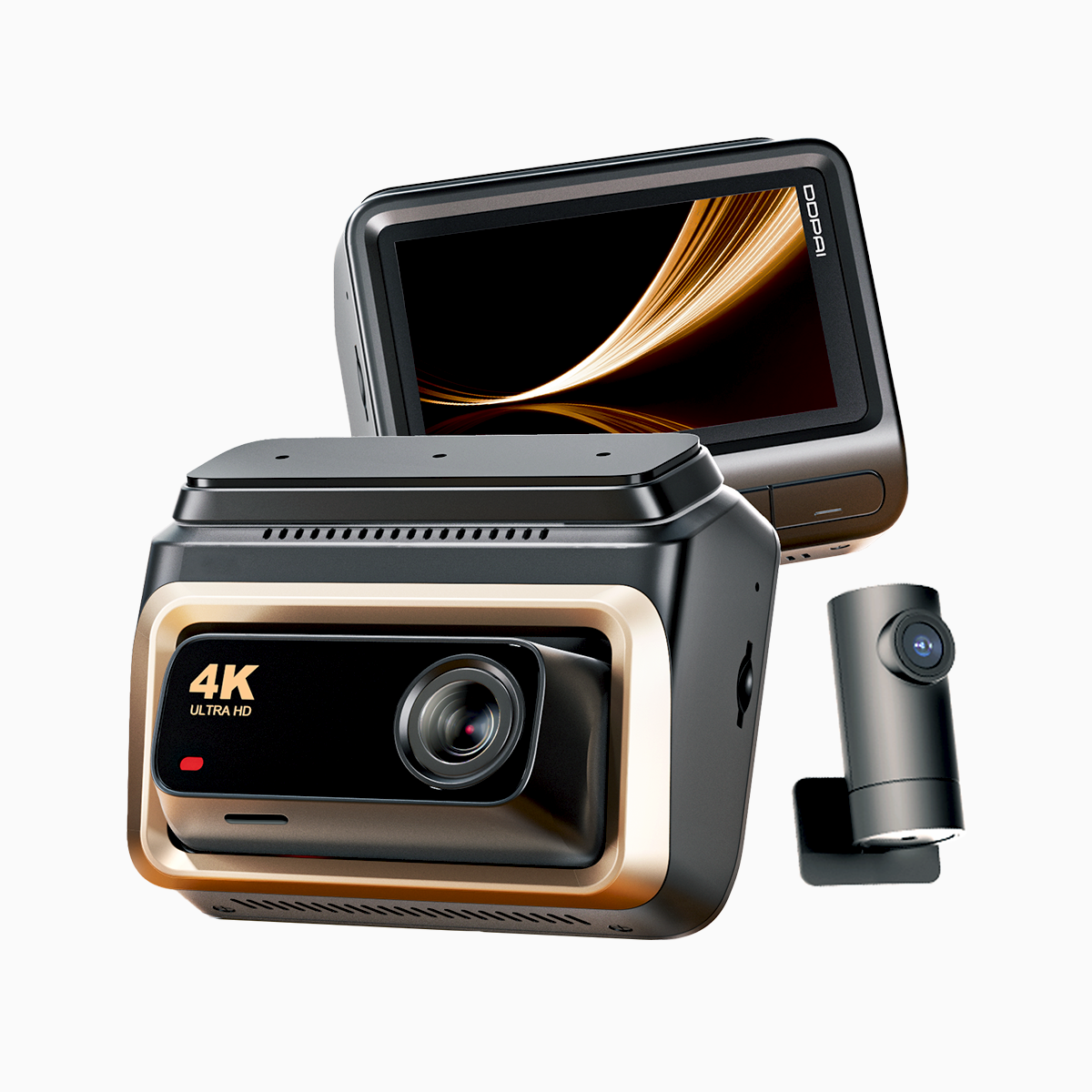
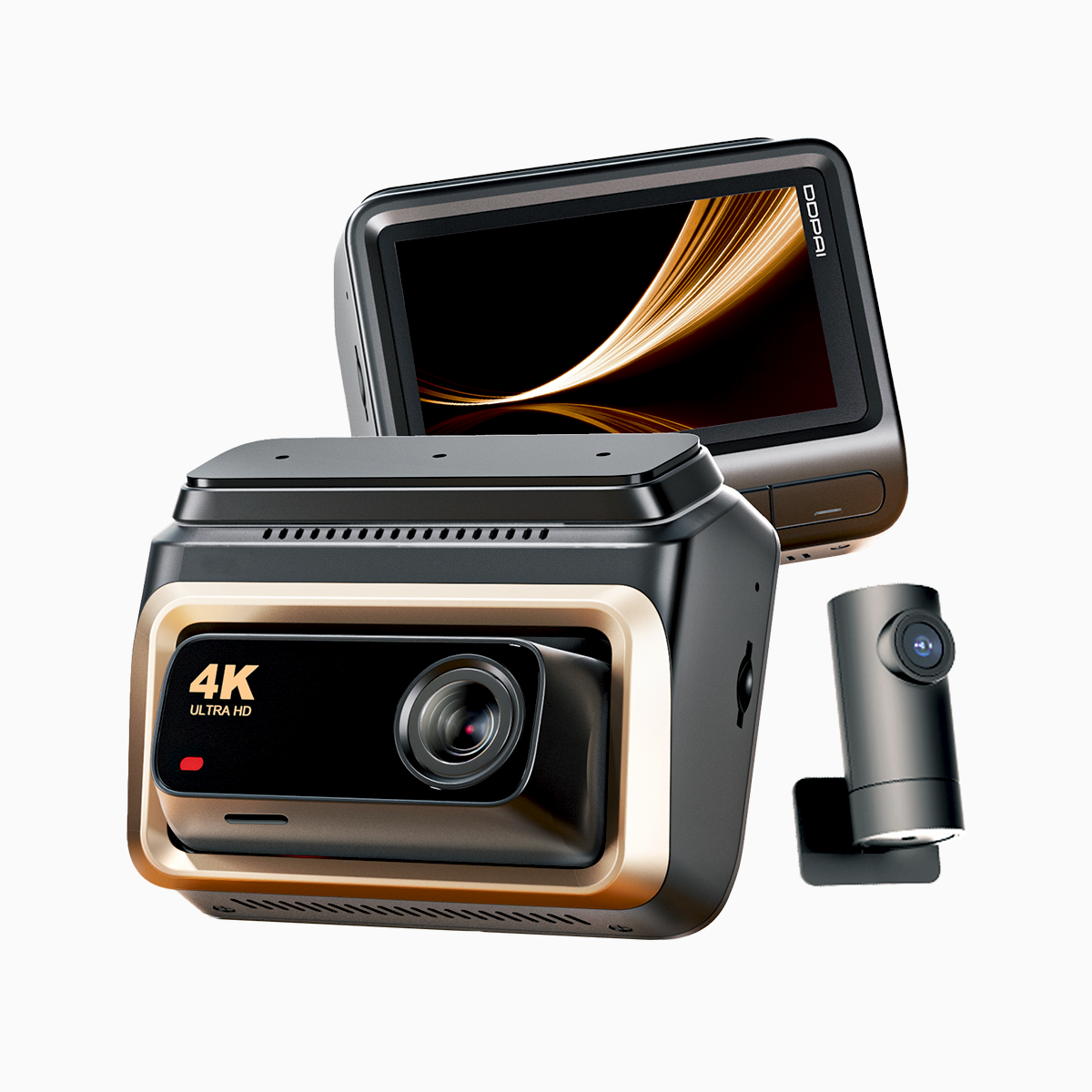
The city exhales and the windshield becomes a thin pane of story—faces, plates, moments smeared by speed or shadow. For the commuter who needs evidence that reads like a photograph, a quiet solution arrives: a 4k dash cam that keeps detail when life moves. Think of this as a user-centric map for clarity—how to turn washed-out license plates and low-contrast roads into legible records using settings, mounts, and a steady connection such as 4G LTE with sensible bandwidth management.
Where sight fails: common visibility bottlenecks
License plates blur for three simple reasons: insufficient pixels at distance, wrong exposure under backlight, and motion that outpaces frame capture. Low contrast appears during dawn, rain, or when asphalt reflects sodium lights. Industry terms to watch here include 4K resolution, frame rate, and HDR; they are tools, not magic. Address them as you would a stubborn lock—methodical, with the right key.
Practical troubleshooting on the move
Start with the camera’s angle and the glass in front of it. A slight tilt can cut reflections; a lower mount can lengthen the plate’s pixel footprint. Raise the frame rate only when you need smoother motion—higher frame rates increase file size and demand more storage. Enable HDR when contrast swings wildly; this preserves both shadow and highlight detail without blowing out plates in sunlight. Calibrate the G-sensor so it captures incidents without flooding the card with minor bumps. And update firmware—manufacturers refine codecs and stabilization that matter in real incidents.
Common mistakes drivers make—and how to avoid them
People often saddle a dashcam with default settings and expect miracles. They ignore storage quotas, then wonder why key footage is missing. They mount too low, then blame the camera. They forget to pair GPS logging for precise timestamps. Avoid these: set a loop length that fits your commute and card size, choose a balanced codec to preserve clarity without crippling playback, and check the lens for micro-smudges before every long drive—small things, big consequences. —Take five minutes; it pays in usable evidence.
Choosing hardware through the commuter’s eye
Not every model needs a medal. Prioritize a sensor that genuinely resolves 4K resolution in practical use, not just on paper. Look for proven HDR implementation and image stabilization that controls jitter without turning footage into oil paint. For connectivity, reliable 4G LTE with sensible latency will let you offload clips or stream live to cloud storage when needed—useful during long EDSA snarls in Metro Manila or sudden storms. If you commute in the Philippines often, consider options marketed as 4k dash cam philippines because local variants tend to accommodate common light and weather patterns here.
Alternatives and sensible compromises
If budget restrains you, a high-quality 1080p with excellent HDR and a high frame rate can outperform a low-end 4K module. Dual-channel setups (front and cabin/rear) add context at the cost of bandwidth and storage—decide what matters: plate legibility or interior awareness. For heavy commuters, cloud-integrated models beat standalone units because they create offsite backups automatically, but they demand more from your mobile data plan and from network latency.
Three golden rules for selecting your next dashcam
1) Image Integrity: Aim for true 4K resolution with HDR and at least 30 fps for readable plates at typical distances. This is the baseline for usable evidence. 2) Connectivity & Reliability: Choose steady 4G LTE performance and clear bandwidth handling; live upload or emergency alerts only work if latency and throughput are stable. 3) Recording Integrity: Ensure robust G-sensor settings, reliable GPS logging, and a modern codec that preserves detail without creating unwieldy files.
These are the metrics that separate a pretty gadget from a dependable witness. For commuters who want practical resolution and local support—clear footage in Manila’s tangle or on rainy highway stretches—the right unit becomes a steady ally. DDPAI PH sits at that intersection of craft and care—useful, honest, ready for the road.