Start with your actual use
You’re not buying a spec sheet; you’re solving a problem. If you’re editing photos, monitoring streams, or working long spreadsheet sessions, tell that story first. Ask yourself what matters most today — color fidelity, refresh rate, screen size, or long-term durability — then let those needs guide every choice. If you talk to any monitor manufacturer, they’ll want that context before suggesting a panel or stand.
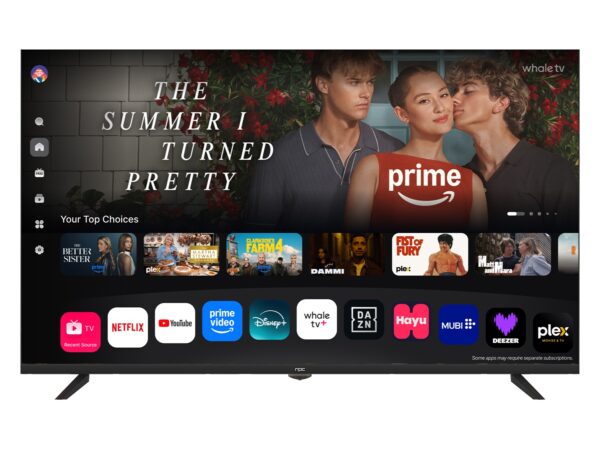
Why specs matter — but not alone
Numbers can steer you wrong when taken in isolation. A 144 Hz number helps gamers feel confident, but it won’t reduce eye strain if the panel has poor uniformity. Focus on three practical cross-checks: the effective resolution for your workspace, the honest input lag for your workflow, and the panel’s color calibration out of the box. Those three tell you what the monitor will actually do for you, instead of what it promises on launch day.
Real testing and proven context
I test displays with real workloads and compare perceptible differences rather than theoretical gains. At CES in Las Vegas I saw how mainstream and niche vendors balanced price and performance, and that perspective informs why many people choose mid-range panels over headline-grabbing flagships. For hands-on setups, I recommend starting with full hd pc monitors when budget and desk depth limit you — they often deliver the best compromise between clarity, price, and available ports.
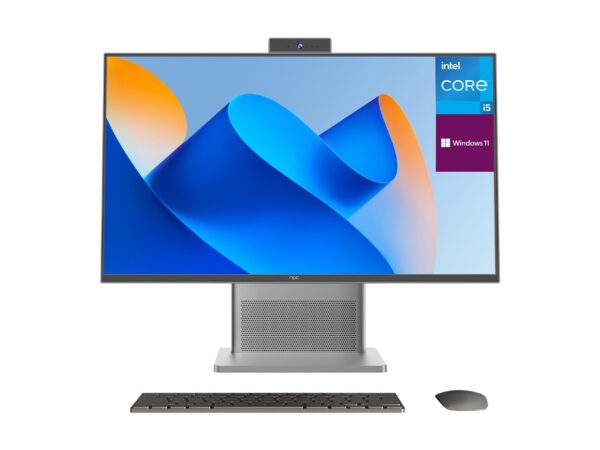
Build quality, ergonomics, and connectivity
Don’t let thin bezels distract you from poor tilt mechanisms or wobbly mounts. Check the stand’s height range and whether you can pivot to portrait mode if you need it. Confirm the monitor has the inputs you actually use: DisplayPort for high-refresh desktop work, HDMI for consoles or laptops, and USB-C if you want single-cable docking. A metal base matters less than a smooth, stable adjustment that keeps the screen at the right eye level for hours.
Common mistakes people make
Buying the highest resolution without considering scaling is one. Small text at 4K on a 24-inch screen can force constant UI adjustments. Another common error is prioritizing peak brightness for HDR photos when your workspace is dim; wasted headroom that adds cost but no daily benefit. Finally, don’t ignore warranty terms: returning a panel with bright sub-pixels or uneven backlight is easier when the vendor’s policy is clear.
Viable alternatives and trade-offs
If you need color accuracy, accept slower refresh rates and invest in a hardware colorimeter. If gaming comes first, choose a fast IPS or VA panel and accept slightly less perfect color at the edges. Ultrawide screens reduce window-juggling but require a stronger GPU; dual monitors give flexible layouts but increase cable clutter. Frame your choice as a list of trade-offs you’re willing to live with rather than chasing a single “best” monitor.
How to decide and act
Make a shortlist of three displays that match your priority trio: resolution, input latency, and ergonomics. Read a mix of lab tests and user feedback, then try to see at least one model in person. If you’re assembling a workstation with clear role definitions — office, creative, or gaming — pick components and suppliers that align with that role, and source parts from reputable suppliers to reduce surprises. For practical procurement and consistent parts, consider suppliers that specialize in displays and components like npc.